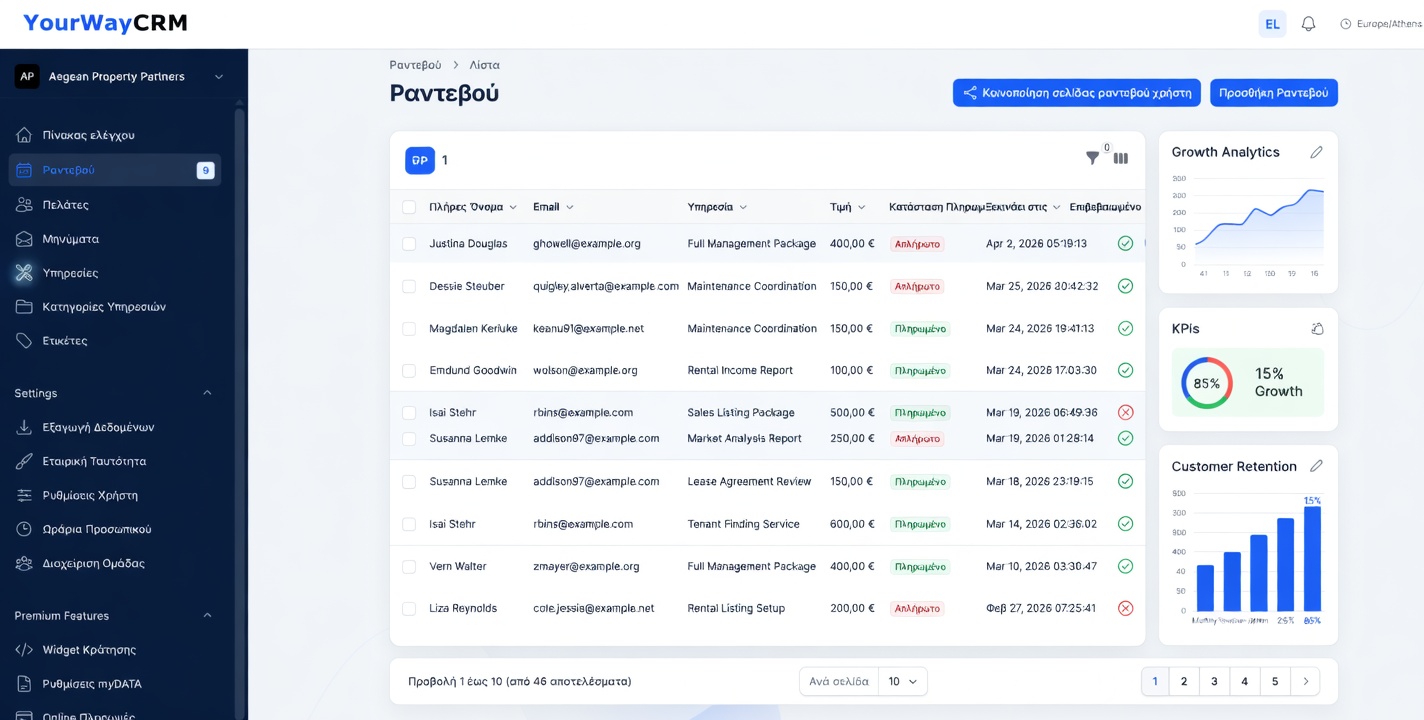
How CRM Calendar Integration Reduces Scheduling Conflicts
Scheduling conflicts are a common headache for small business owners. Whether you're managing client appointments, team meetings, or project deadlines, the last thing you need is double-bookings that damage your reputation and waste valuable time. This is where CRM calendar integration becomes a game-changer.
By connecting your customer relationship management system directly with your calendar, you create a unified scheduling ecosystem that keeps everyone on the same page. Let's explore how this integration can transform your business operations and eliminate the chaos of conflicting appointments.
Understanding CRM Calendar Integration
CRM calendar integration is the process of connecting your CRM platform with your calendar application—whether that's Google Calendar, Outlook, or another scheduling tool. This connection allows real-time synchronization between your customer data and your calendar, ensuring that all appointments, meetings, and deadlines are automatically updated across all platforms.
When you use a CRM like YourWayCRM with integrated calendar functionality, every customer interaction is automatically logged and scheduled in one centralized location. This eliminates the need to manually update multiple systems and reduces the risk of human error.
The Problem with Manual Scheduling
Many small businesses still rely on manual scheduling methods. Sales representatives might maintain their own calendars, while customer service teams use different tools, and management uses yet another system. This fragmented approach creates several problems:
- Duplicate Bookings: Without a single source of truth, the same time slot can be booked multiple times
- Missed Appointments: Information gets lost between systems, leading to forgotten meetings
- Poor Communication: Team members don't know when colleagues are busy, causing scheduling inefficiencies
- Customer Frustration: Clients experience delayed responses and rescheduling requests
- Wasted Time: Administrative staff spend hours managing calendars instead of focusing on revenue-generating activities
Key Benefits of CRM Calendar Integration
Real-Time Synchronization
When you integrate your CRM with your calendar, updates happen instantly. The moment a customer meeting is scheduled in your CRM, it automatically appears on everyone's calendar. If a client reschedules, all parties are notified immediately. This real-time visibility prevents the scheduling mishaps that plague businesses using disconnected systems.
Centralized Customer Information
Your calendar isn't just about time slots—it's about context. With CRM integration, you can see customer details, previous interactions, and important notes right alongside your scheduled appointments. When you open a calendar event, you have all the information you need without switching between applications.
Automated Reminders and Follow-ups
CRM systems can automatically send reminders to both your team and customers. These reminders reduce no-shows and keep everyone prepared for upcoming meetings. Many systems, including YourWayCRM, allow you to set automatic follow-up tasks after appointments, ensuring nothing falls through the cracks.
Better Resource Allocation
When your entire team's calendar is visible in your CRM, you can see who's available and who's overbooked. This visibility helps you distribute work more evenly, prevent burnout, and ensure that customer requests are assigned to available team members promptly.
Improved Customer Experience
Customers appreciate businesses that respect their time. When you have a unified scheduling system, you're less likely to miss appointments or double-book. This reliability builds trust and improves customer satisfaction, leading to better retention rates and positive referrals.
How YourWayCRM Streamlines Scheduling
YourWayCRM offers integrated calendar functionality designed specifically for small businesses. The platform allows you to:
- Sync appointments directly with Google Calendar and Outlook
- View all team members' availability in one dashboard
- Set automatic reminders for customers and staff
- Track meeting outcomes and next steps within the CRM
- Generate reports on scheduling patterns and team productivity
This integration means your scheduling system works for you, not against you.
Best Practices for CRM Calendar Integration
Establish Clear Scheduling Policies
Before implementing calendar integration, define how your business will use it. Set guidelines for appointment duration, buffer times between meetings, and how far in advance customers can book.
Train Your Team
Make sure everyone understands how to use the integrated system. When team members know how to properly log appointments and update information, the system works more effectively.
Regularly Audit and Clean Data
Periodically review your calendar entries to remove duplicates or outdated information. A clean system is an effective system.
Use Automation Wisely
Take advantage of automated reminders and follow-ups, but customize them to match your business needs. Generic automations can feel impersonal.
Conclusion
Scheduling conflicts don't have to be an inevitable part of running a small business. By implementing CRM calendar integration, you create a streamlined, efficient system that keeps your team organized and your customers satisfied. The investment in proper scheduling infrastructure pays dividends through improved productivity, reduced errors, and enhanced customer relationships.
If you're tired of managing multiple calendars and dealing with scheduling headaches, it's time to explore how integrated CRM solutions can transform your business operations. Your future self will thank you.