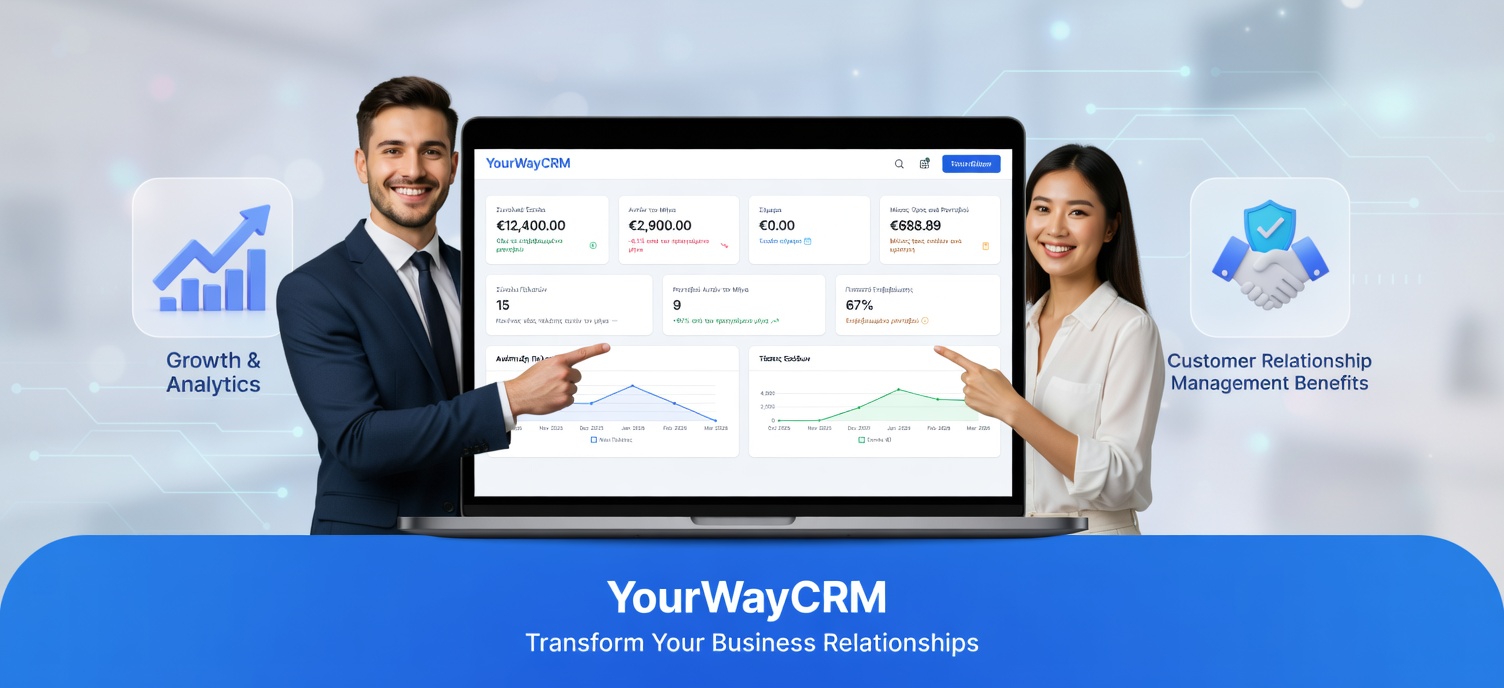
Using CRM for Customer Survey Management
Customer feedback is the lifeblood of business improvement. Yet many small business owners struggle to collect, organize, and act on survey responses efficiently. This is where a customer relationship management (CRM) platform becomes invaluable. By integrating survey management into your CRM system, you can streamline feedback collection, gain deeper customer insights, and make data-driven decisions that drive growth.
Why Customer Surveys Matter for Your Business
Customer surveys provide direct insight into what your clients think about your products, services, and overall experience. This feedback is crucial for identifying pain points, discovering opportunities for improvement, and understanding customer satisfaction levels. Without structured survey management, valuable insights can slip through the cracks, and you'll miss opportunities to enhance customer loyalty.
Small business owners often rely on informal feedback or scattered responses across emails and messages. This approach is inefficient and makes it difficult to spot trends or act on actionable insights. A dedicated CRM approach to survey management changes everything.
The Benefits of Managing Surveys in Your CRM
Centralized Data Collection
Using a CRM platform like YourWayCRM allows you to collect all customer survey responses in one centralized location. Instead of managing surveys through separate tools or email threads, your feedback is organized alongside customer contact information, purchase history, and interaction records. This unified approach makes it easier to correlate survey responses with customer behavior and account details.
Better Customer Segmentation
Your CRM enables you to segment customers based on survey responses and create targeted follow-up actions. For example, you can identify dissatisfied customers and prioritize them for immediate attention, or recognize loyal customers and develop retention strategies. This segmentation helps you personalize your response to feedback and allocate resources more effectively.
Automated Workflows
One of the most powerful features of using a CRM for survey management is automation. You can set up automated workflows that trigger when survey responses are received. For instance, if a customer rates their experience as poor, an alert can automatically notify your support team, or a ticket can be created for follow-up. This ensures no feedback is overlooked and issues are addressed promptly.
Easy Analysis and Reporting
CRM platforms provide built-in analytics and reporting tools that make it simple to analyze survey data. You can generate reports showing satisfaction trends, identify common complaints, and track improvements over time. These insights help you understand what's working and what needs adjustment in your business operations.
Best Practices for Survey Management in Your CRM
Keep Surveys Short and Focused
Long surveys have low completion rates. Focus on the most important questions that will provide actionable insights. Ask about specific experiences, product quality, customer service, and likelihood to recommend your business. Aim for 5-10 key questions rather than lengthy questionnaires.
Time Your Surveys Strategically
Send surveys at the right moment in the customer journey. Post-purchase surveys should arrive within days of a transaction. After a support interaction, ask about the service quality. Timing matters because customers are more likely to respond when the experience is fresh in their minds.
Close the Feedback Loop
Don't just collect feedback and ignore it. Use your CRM to track follow-up actions and communicate results back to customers. When customers see that their feedback leads to changes, they feel valued and are more likely to provide future input. Document what actions you've taken based on survey responses.
Leverage Multiple Survey Channels
Your CRM should allow you to send surveys through multiple channels—email, SMS, or in-app notifications. Different customers prefer different communication methods. Offering flexibility increases response rates and ensures you capture feedback from your entire customer base.
Taking Action on Survey Results
The real value of surveys comes from acting on the insights. Use your CRM to:
- Identify patterns in negative feedback and address root causes
- Recognize your top performers and replicate their success
- Track customer satisfaction scores over time to measure improvement
- Create targeted campaigns for customers with specific concerns
- Develop training programs for staff based on common feedback themes
Integrating Surveys with Your CRM Workflow
YourWayCRM and similar platforms make it easy to integrate survey management into your existing workflows. You can embed survey links in customer communications, set up automatic survey triggers based on customer actions, and view survey responses directly in customer profiles. This integration ensures surveys become a natural part of how you interact with customers, not an afterthought.
Conclusion
Customer survey management through your CRM transforms how you gather and act on feedback. By centralizing survey data, automating workflows, and analyzing results systematically, you gain a competitive advantage in understanding and serving your customers. Start implementing survey management in your CRM today, and watch as customer insights drive meaningful improvements in your business operations and customer satisfaction levels.