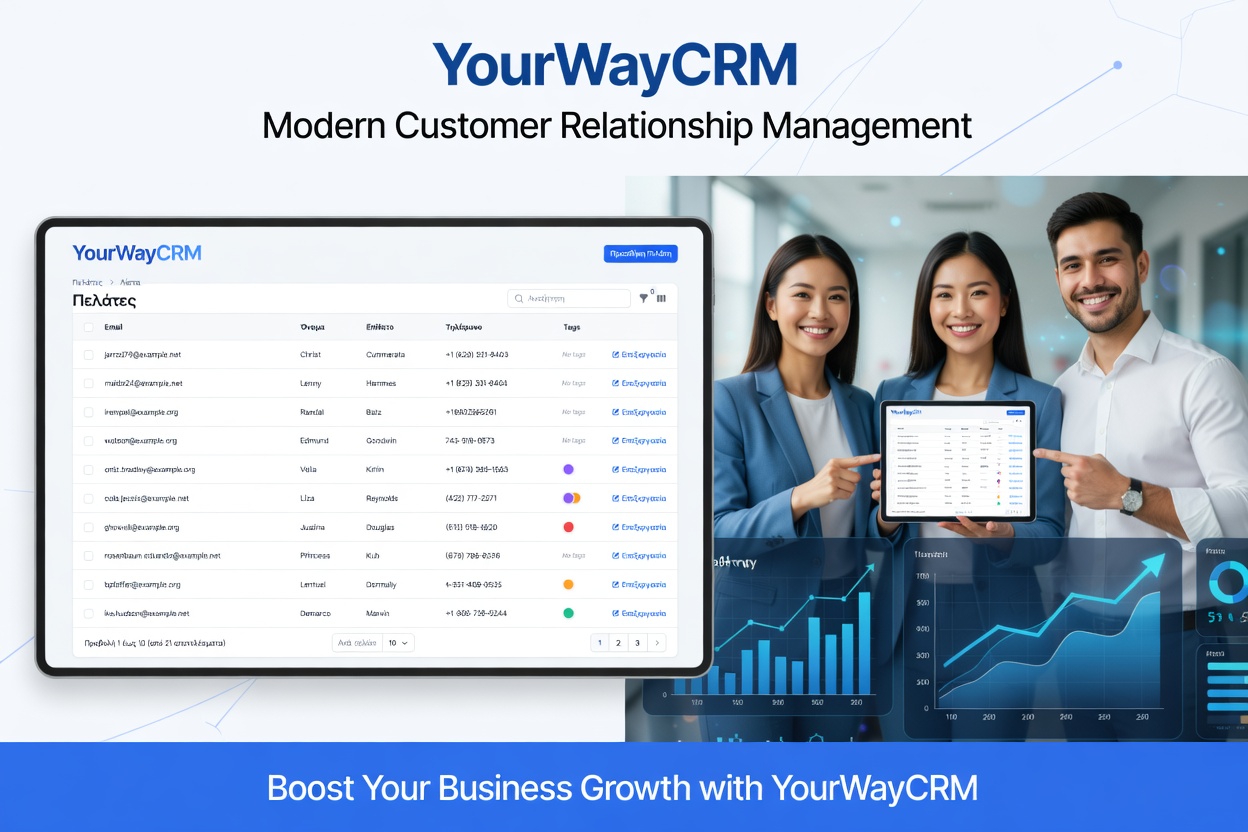
CRM for Event Marketing: Boost Leads and Follow-Up
Events are goldmines for small business growth. Whether you're hosting a webinar, trade show, networking event, or workshop, the real value lies in what happens after attendees leave. This is where a customer relationship management (CRM) system becomes invaluable. A CRM helps you capture leads, organize attendee data, and execute follow-up campaigns that convert prospects into customers.
If you're struggling to track event attendees or losing momentum after your events end, it's time to leverage CRM technology. Let's explore how to use a CRM for event marketing and follow-up to maximize your results.
Why Event Marketing Needs a CRM
Traditional event management often relies on spreadsheets, business cards, and manual notes. This approach is error-prone and makes it nearly impossible to personalize follow-up communications. A CRM changes this by centralizing all event data in one place.
Here's why a CRM is essential for event marketing:
- Centralized Lead Capture: Store all attendee information in a single database instead of scattered notes and emails.
- Automated Follow-Up: Schedule and automate follow-up messages based on attendee behavior and interests.
- Personalization at Scale: Segment attendees and send targeted messages that resonate with specific groups.
- Performance Tracking: Measure which attendees convert and which marketing channels drive the best results.
- Team Collaboration: Enable your entire team to access attendee information and coordinate outreach efforts.
By using a CRM like YourWayCRM, you can transform event attendees into loyal customers with minimal manual effort.
Pre-Event Setup: Preparing Your CRM
Success starts before your event even begins. Here's how to prepare your CRM for maximum event marketing impact:
Create Attendee Segments
Set up custom fields in your CRM to capture important attendee information during registration. Include details like industry, company size, pain points, and product interests. This data allows you to segment attendees before the event and personalize your messaging.
Build Event-Specific Workflows
Use your CRM's automation features to create workflows triggered by event registration. For example, automatically send a welcome email with event details, agenda, and preparation tips to registered attendees.
Design Follow-Up Sequences
Plan your post-event follow-up sequence in advance. Decide on the timing and content of each follow-up touchpoint—whether it's a thank-you email, product demo invitation, or special offer.
During the Event: Capturing Quality Leads
The event itself is your opportunity to capture high-quality lead data. Here's how to use your CRM effectively during the event:
Use Mobile Check-In
If possible, use a mobile CRM app or tablet-based check-in system to record attendee information in real-time. This eliminates manual data entry and ensures accuracy.
Tag Attendees Based on Interactions
As your team interacts with attendees, tag them in your CRM with relevant information. For example, mark someone as "interested in Product A" or "requested a demo." These tags help you personalize follow-up communications.
Capture Contact Information
Ensure all attendees' contact information is recorded in your CRM. Include email addresses, phone numbers, and social media profiles for multi-channel follow-up.
Post-Event Follow-Up: Converting Attendees to Customers
The magic happens after the event. Here's how to use your CRM to maximize conversions:
Send Timely Thank-You Messages
Within 24 hours of the event, send personalized thank-you emails to all attendees. Reference specific conversations you had with them to show genuine interest. A CRM allows you to automate this process while maintaining a personal touch.
Share Event Resources
Provide attendees with valuable resources like presentation slides, recordings, or whitepapers. Use your CRM to track who downloads these resources, indicating higher engagement levels.
Segment and Personalize Follow-Up
Use the tags and segments you created during the event to send targeted follow-up messages. Someone interested in Product A should receive different content than someone interested in Product B. YourWayCRM makes this segmentation easy and automatic.
Schedule Multi-Touch Campaigns
Don't rely on a single follow-up email. Create a sequence of touchpoints over 2-4 weeks. This might include product information, case studies, customer testimonials, and special offers. Space these out strategically to stay top-of-mind without overwhelming prospects.
Assign Leads to Sales Representatives
Use your CRM to automatically assign hot leads to specific salespeople based on territory, product interest, or engagement level. This ensures no lead falls through the cracks and enables faster sales cycles.
Measuring Event Marketing ROI
A CRM provides valuable insights into your event's effectiveness. Track these key metrics:
- Lead Conversion Rate: What percentage of attendees become paying customers?
- Cost Per Lead: Divide your event costs by the number of qualified leads generated.
- Sales Pipeline Value: Monitor the total value of opportunities created from event attendees.
- Engagement Metrics: Track email open rates, click-through rates, and resource downloads.
- Time to Close: Measure how quickly event leads move through your sales pipeline.
These metrics help you refine your event strategy and demonstrate ROI to stakeholders.
Best Practices for CRM-Powered Event Marketing
To get the most from your CRM for event marketing, follow these best practices:
- Keep Data Clean: Regularly audit and clean your attendee data to maintain accuracy and avoid duplicate entries.
- Respect Privacy: Always follow data protection regulations and obtain proper consent before sending marketing communications.
- Personalize at Every Step: Use attendee data to customize subject lines, email content, and offers based on their interests and behavior.
- Test and Optimize: A/B test your follow-up emails and campaigns to identify what resonates with your audience.
- Integrate Tools: Connect your CRM with email marketing, landing page builders, and analytics tools for a seamless workflow.
- Train Your Team: Ensure all team members know how to properly input data and use CRM features during and after events.
Conclusion
Event marketing is a powerful growth strategy, but only if you follow up effectively. A CRM like YourWayCRM transforms your event attendees into a valuable asset by automating lead capture, segmentation, and follow-up. By implementing the strategies outlined in this guide, you'll maximize event ROI, accelerate your sales pipeline, and build stronger customer relationships.
Stop leaving event leads on the table. Start using your CRM to turn every attendee into a potential customer today.