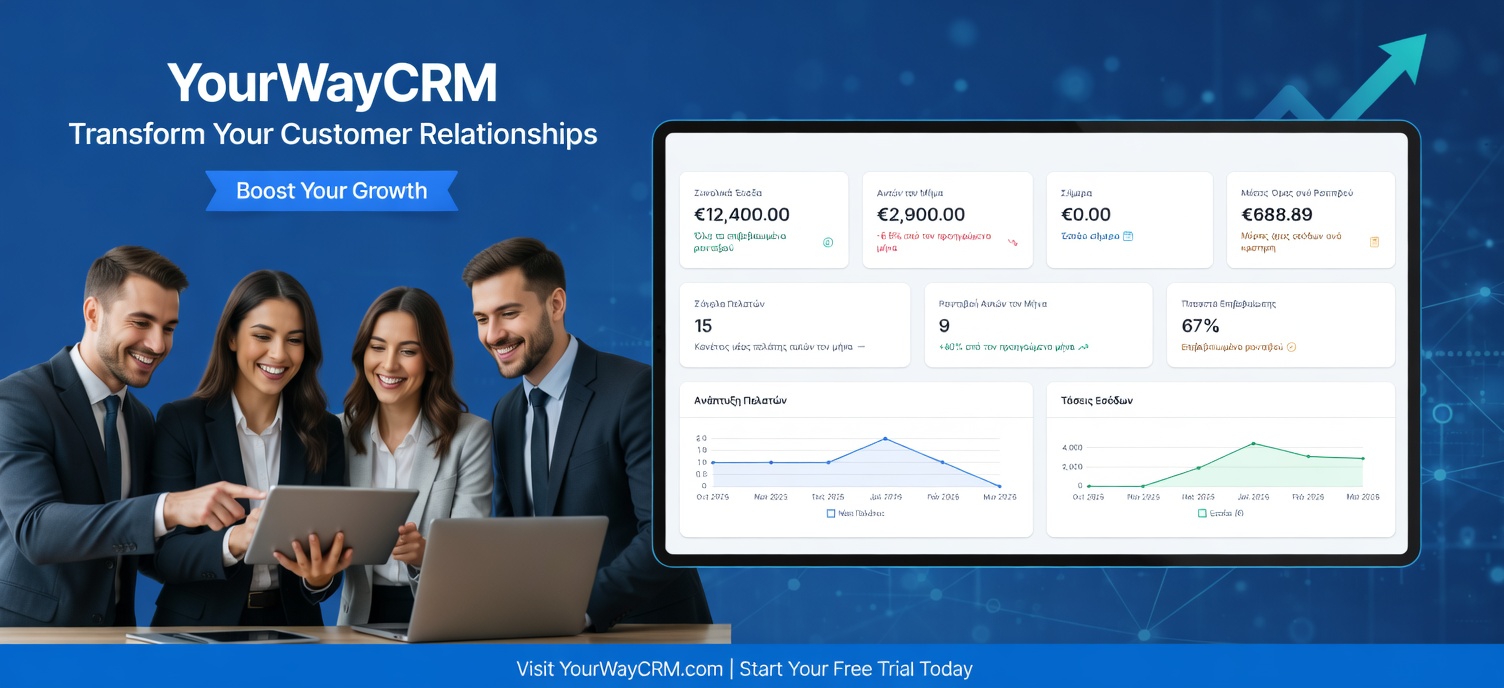
CRM for Freelancers: Managing Multiple Clients
As a freelancer, juggling multiple clients is both a blessing and a curse. More clients mean more income, but they also mean more complexity in managing relationships, deadlines, and deliverables. Without proper systems in place, important details slip through the cracks, communication becomes disorganized, and profitability suffers. This is where a Customer Relationship Management (CRM) tool becomes invaluable for freelancers.
A CRM isn't just for large enterprises anymore. Modern CRM platforms are designed with small business owners and freelancers in mind, offering affordable solutions that help you stay organized, maintain professional relationships, and ultimately grow your freelance business.
Why Freelancers Need a CRM System
Managing multiple clients without a CRM is like trying to keep track of everything in your head or scattered across spreadsheets and email folders. Here's why a CRM matters for your freelance business:
- Client Information Organization: Store all client details, contact information, project history, and preferences in one centralized location.
- Project Tracking: Keep tabs on project status, deadlines, deliverables, and milestones for each client simultaneously.
- Communication History: Access past conversations, agreements, and feedback instantly without digging through emails.
- Revenue Management: Track invoices, payments, and project profitability to understand which clients are most valuable.
- Time Management: Allocate your time efficiently across projects and identify which clients consume the most resources.
Key Features to Look for in a Freelancer CRM
Not all CRM platforms are created equal. When choosing a CRM for your freelance business, prioritize these essential features:
Contact and Client Management
Your CRM should allow you to create detailed client profiles that include contact information, project history, communication preferences, and important notes. This helps you personalize your interactions and remember critical details that make clients feel valued.
Project and Task Management
Look for a CRM that integrates project tracking capabilities. You should be able to create projects, assign tasks, set deadlines, and track progress all within the same system. Tools like YourWayCRM make it easy to see what's due and what's in progress across all your clients.
Communication Tools
An effective CRM should centralize your communication. Email integration, notes, and activity logs ensure that you and your team (if you have one) can see the complete communication history with each client without searching multiple platforms.
Invoice and Payment Tracking
As a freelancer, cash flow is critical. Your CRM should help you create and track invoices, monitor payment status, and send reminders for overdue payments. This functionality reduces administrative burden and improves on-time payments.
Reporting and Analytics
Understanding your business metrics is crucial for growth. A good CRM provides insights into client profitability, project timelines, revenue trends, and productivity metrics to help you make data-driven decisions.
How CRM Improves Your Freelance Business
Implementing a CRM system transforms how you operate as a freelancer. Here are the tangible benefits:
Better Client Relationships
When you have all client information at your fingertips, you can provide more personalized service. You'll remember their preferences, past projects, and communication style, which builds trust and encourages repeat business and referrals.
Increased Productivity
By automating administrative tasks and organizing your workflow, you spend less time managing and more time doing billable work. This directly impacts your hourly rate and profitability.
Reduced Errors and Missed Deadlines
A CRM with task and deadline management ensures nothing falls through the cracks. Automated reminders keep you on track, and you can easily see when multiple projects are approaching their due dates.
Professional Image
Organized communication, timely delivery, and consistent follow-ups make you appear more professional. Clients are more likely to hire you again and recommend you to others when they experience this level of professionalism.
Financial Clarity
Tracking invoices, payments, and project profitability helps you understand your financial health. You can identify which clients are most profitable and make informed decisions about project pricing and client selection.
Getting Started with a Freelancer CRM
Ready to implement a CRM for your freelance business? Follow these steps:
- Assess Your Needs: List the features most important to your business. Do you need advanced project management? Invoice tracking? Team collaboration tools?
- Choose the Right Platform: Research CRM options designed for freelancers and small businesses. Look for user-friendly interfaces, affordable pricing, and customer support.
- Migrate Your Data: Transfer existing client information into your new CRM. This might take time upfront, but it's worth the investment.
- Set Up Workflows: Create standardized processes for client onboarding, project management, and follow-ups within your CRM.
- Train Yourself: Take time to learn all the features. Many CRM platforms like YourWayCRM offer tutorials and support to help you get the most value.
- Optimize Continuously: Regularly review how you're using the CRM and adjust your processes to maximize efficiency.
Conclusion
Managing multiple clients as a freelancer doesn't have to be chaotic. A CRM system provides the structure and tools you need to stay organized, maintain professional relationships, and grow your business profitably. By centralizing client information, streamlining communication, and automating administrative tasks, you can focus on what you do best—delivering excellent work to your clients. Whether you're just starting out or scaling your freelance business, investing in a CRM is one of the smartest decisions you can make.