CRM Permission Settings: Protecting Your Sensitive Data
In today's digital landscape, data security is no longer optional—it's essential. For small business owners, protecting sensitive customer information is a critical responsibility that directly impacts trust, compliance, and reputation. One of the most effective ways to safeguard your data is through proper CRM permission settings. Let's explore how these settings work and why they matter for your business.
What Are CRM Permission Settings?
CRM permission settings are controls that determine who can access, view, edit, and delete information within your customer relationship management system. These settings allow you to create a hierarchy of access levels based on employee roles, responsibilities, and trustworthiness. Rather than giving everyone unlimited access to all data, permission settings let you restrict information to those who genuinely need it.
Think of it like a filing cabinet with different locks. Not every employee needs a key to every drawer, and some drawers should only be accessible to specific people. Similarly, your CRM should only show relevant data to relevant team members.
Why Permission Settings Matter for Small Businesses
Reducing the Risk of Data Breaches
The more people who have access to sensitive data, the higher your risk of unauthorized access or accidental exposure. By limiting access through permission settings, you dramatically reduce the number of potential entry points for a breach. If only your sales manager can access financial data, rather than all 20 employees, you've eliminated 19 potential vulnerabilities.
Preventing Accidental Mistakes
Not all data loss is malicious. Employees sometimes accidentally delete important information, modify records they shouldn't touch, or share confidential details without realizing the consequences. Permission settings prevent these mistakes by making certain actions impossible for unauthorized users.
Ensuring Compliance
Many industries have strict regulations about who can access customer data. Healthcare providers must comply with HIPAA, financial services must follow PCI DSS, and businesses handling EU customers must respect GDPR requirements. Proper permission settings help you maintain compliance by creating an audit trail and enforcing access restrictions.
Protecting Competitive Information
Your customer lists, pricing strategies, and business plans are valuable assets. Permission settings ensure that only authorized personnel can access this information, preventing competitors from gaining insights through disgruntled or careless employees.
Key Types of CRM Permissions to Configure
Record-Level Permissions
These control access to individual customer records. You might allow your sales team to see all leads and prospects, but restrict access to closed deals or specific account information to management only. This ensures employees only see information relevant to their role.
Field-Level Permissions
Some fields contain more sensitive information than others. Field-level permissions let you hide specific data columns from certain users. For example, you might show customer contact information to support staff but hide pricing or contract terms.
Module-Level Permissions
Different CRM modules (like contacts, deals, tasks, or reports) can have different access levels. Your accounting department might only need access to invoice records, while your sales team needs deals and contact information.
Action-Level Permissions
You can control whether users can view, create, edit, or delete information. A junior team member might only be able to view and create records, while a manager can also edit and delete them.
Best Practices for Setting Up CRM Permissions
Apply the Principle of Least Privilege
Start by giving employees the minimum access they need to do their job. You can always grant more permissions later if needed. This approach reduces risk while maintaining productivity.
Create Clear Role-Based Access
Define specific roles in your organization (Sales Rep, Manager, Accountant, Support Staff) and assign permissions based on these roles. This makes management easier and ensures consistency across your team.
Review Permissions Regularly
When employees change roles or leave your company, their permissions should change too. Schedule quarterly reviews of who has access to what, and remove unnecessary permissions promptly.
Document Your Permission Structure
Keep clear documentation of why each role has specific permissions. This helps with onboarding, troubleshooting, and compliance audits.
Monitor Access and Activity
Most CRM systems, including YourWayCRM, provide audit logs showing who accessed what information and when. Review these logs regularly to identify suspicious activity or unauthorized access attempts.
How YourWayCRM Supports Data Protection
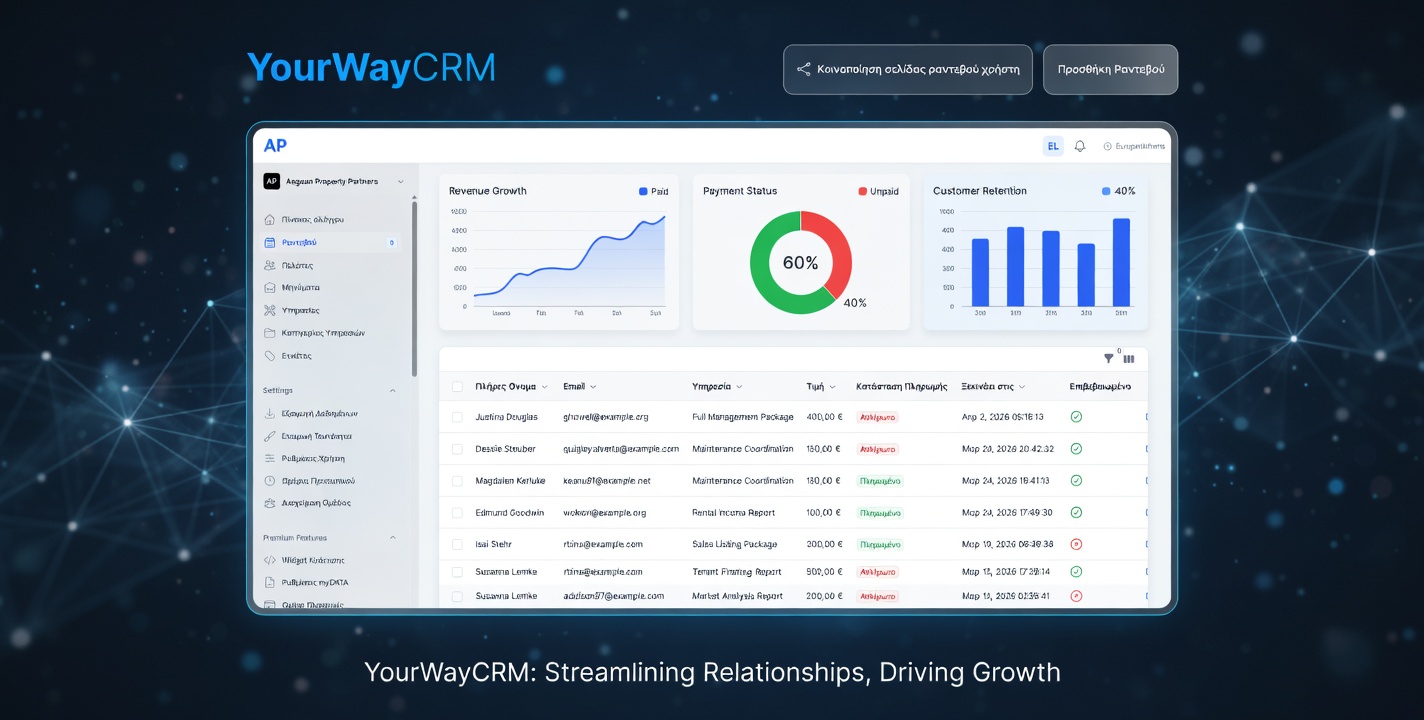
YourWayCRM makes it simple to implement robust permission settings without technical complexity. The platform allows you to create custom roles, set field-level permissions, and monitor access activity—all from an intuitive dashboard. Whether you're managing a team of five or fifty, you can ensure every employee sees exactly what they need and nothing more.
Taking Action Today
Data protection isn't a one-time setup—it's an ongoing practice. Start by auditing your current CRM permissions. Ask yourself: Does every team member really need access to the data they currently see? Are there sensitive fields that should be restricted? By taking a few hours to properly configure your permission settings, you'll significantly strengthen your data security posture and give yourself peace of mind.
Your customers trust you with their information. Make sure your CRM permission settings reflect that responsibility.