Why First Appointment Booking Matters
The moment a potential client decides to reach out to your practice is critical. They've likely spent time deliberating, perhaps overcoming anxiety or uncertainty about seeking help. If your booking process is confusing, slow, or requires multiple steps, many will abandon the attempt and move to a competitor.
A frictionless booking experience signals professionalism, respect for the client's time, and accessibility. It's often the first real interaction someone has with your practice—and it sets the tone for everything that follows.
Simplify Your Booking Channels
Don't make potential clients guess how to reach you. Offer multiple, clear options:
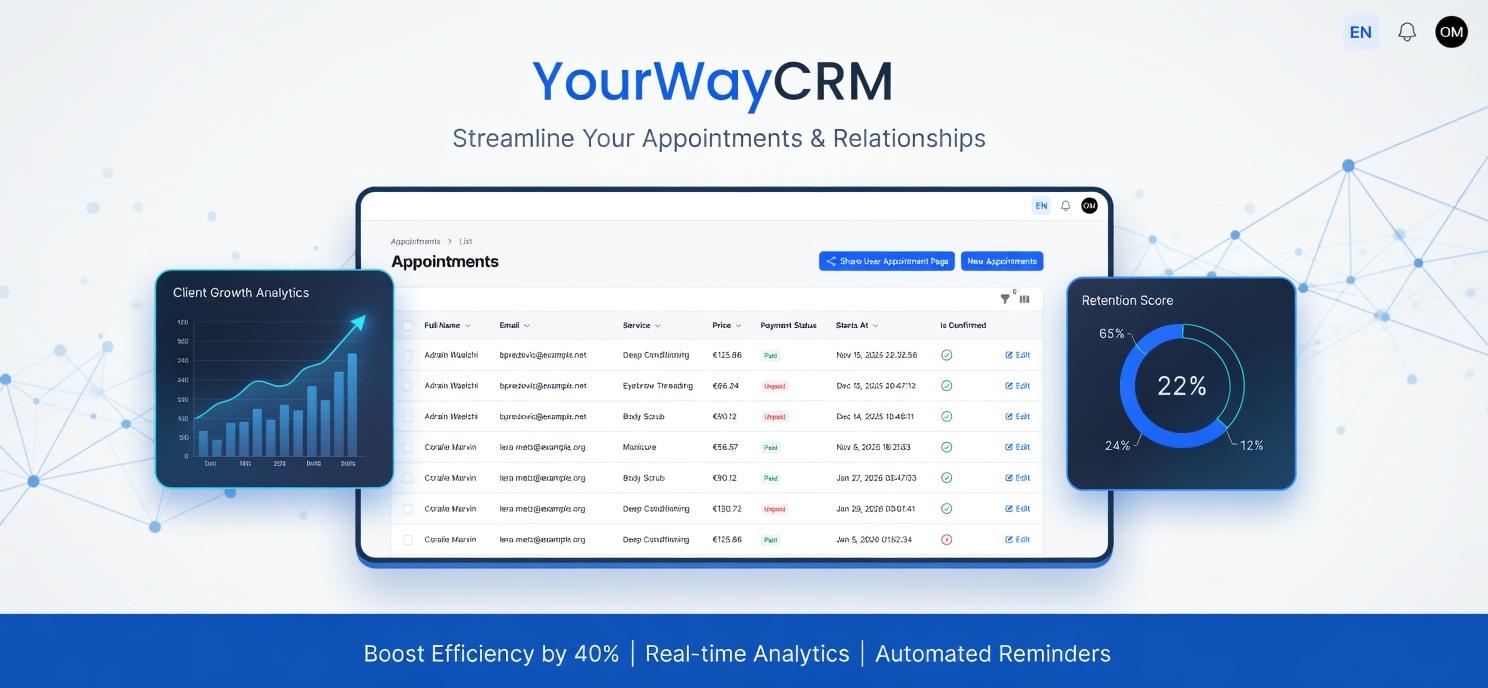
- Online booking system: An automated calendar tool like YourWayCRM allows clients to see real-time availability and book instantly without waiting for your response.
- Phone: Some clients prefer speaking to a human. Keep this option available, even if it's not your primary channel.
- Email: Provide a dedicated email address for booking inquiries, separate from general contact if possible.
- Contact form: A simple form on your website captures basic information and routes it to the right place.
The key is consistency: whichever channels you offer, monitor them regularly and respond promptly. If you advertise phone availability, answer calls or return them within 24 hours.
Use an Online Scheduling Tool
Online booking systems remove a major barrier to first appointments. Clients can browse your availability at 11 PM on a Sunday, select a time that works for them, and confirm their booking instantly.
A good scheduling platform should:
- Display your real availability without double-bookings
- Allow clients to provide basic information (name, contact details, brief reason for seeking support) during booking
- Send automatic confirmation emails with appointment details
- Enable clients to reschedule or cancel with minimal friction
- Sync with your calendar so you're not managing multiple systems
YourWayCRM, for example, handles all of this while keeping client data secure and organized in one place. This reduces your administrative burden and gives clients the autonomy they often appreciate.
Make Your Availability Clear and Realistic
Ambiguity kills bookings. Don't make clients wonder when you're available. Be specific:
- List exact appointment times (e.g., "Tuesdays 2:00–2:50 PM" rather than "afternoons")
- Show your availability weeks in advance
- If you have a waitlist, say so clearly
- Be honest about wait times for first appointments
If you're currently fully booked, don't hide it—offer a waitlist option or suggest a future date when you expect availability. Many clients will wait if they know what to expect.
Reduce Information Barriers
New clients often feel vulnerable. They may be hesitant to share personal information or unsure what details you actually need. Minimize friction here:
- Ask only essential information: Name, contact details, and a brief note about what brings them in. Save detailed intake forms for the first appointment itself.
- Reassure about confidentiality: Include a brief statement that their information is secure and confidential.
- Explain what to expect: Let them know roughly how long the first session lasts, whether it's a consultation or treatment session, and what they should bring (insurance card, ID, etc.).
Confirm and Remind
A confirmation email immediately after booking reassures the client that their appointment is real. A reminder 24–48 hours before the appointment reduces no-shows and gives them time to prepare or reschedule if needed.
These touchpoints also reinforce your professionalism and show you take their commitment seriously. They're quick to automate through your scheduling system, so there's no added workload.
Make Cancellation and Rescheduling Easy
Life happens. A client might get sick, experience a work conflict, or feel anxious about attending. If rescheduling is complicated, they may simply not show up—leaving your appointment slot empty and damaging trust.
Allow clients to reschedule or cancel online if possible. This also reduces the number of admin calls you need to handle. Set clear cancellation policies (e.g., 24-hour notice) and communicate them upfront, but make the process itself frictionless.
Optimize Your Website for Booking
Your website is often where potential clients first land. Make booking obvious:
- Feature a prominent "Book an Appointment" button above the fold
- Link directly to your online booking system, not to a contact form that requires additional steps
- Include your availability on your homepage or services page
- Keep your website updated—outdated information (wrong phone numbers, old bios) signals disorganization
Respond Quickly to Inquiries
If someone contacts you via email or phone before booking, respond within 24 hours. The longer they wait, the more their motivation fades. Quick responses also demonstrate that you're organized and responsive—qualities clients value in a therapist.
Gather Feedback and Iterate
Periodically ask new clients about their booking experience. Was it easy? Did they encounter any confusion? This feedback helps you refine your process over time.
If you notice a pattern of bookings dropping off at a certain step, investigate. Maybe your online form is too long, your phone number isn't visible, or your availability seems too limited.
Key Takeaway
A smooth first-appointment booking process isn't just a convenience—it's a form of client care. It respects their autonomy, reduces anxiety, and sets a professional standard for your practice. By simplifying your channels, using reliable scheduling tools, and being transparent about your availability, you remove barriers and invite more people to take that important first step toward seeking support.