Essential Software Every Law Office Needs
Starting a law practice or running a small law office requires more than legal expertise—it demands the right administrative infrastructure. Many solo practitioners and small law firms struggle with disorganized systems, missed deadlines, and poor client communication. The good news? You don't need an expensive enterprise solution. Strategic software choices can streamline your operations, protect client information, and free up time for billable work.
Let's explore the core software categories every law office should consider when building their tech stack.
Client and Appointment Management
At the heart of any law office is managing client relationships and scheduling. A dedicated client management system ensures you have complete visibility over your caseload, appointment history, and communication records.
Look for software that allows you to:
- Schedule and reschedule appointments with automated reminders
- Store client contact information and case details in one searchable location
- Track communication history across email, phone, and in-person meetings
- Set and monitor important deadlines for each matter
- Record billable time against specific clients and matters
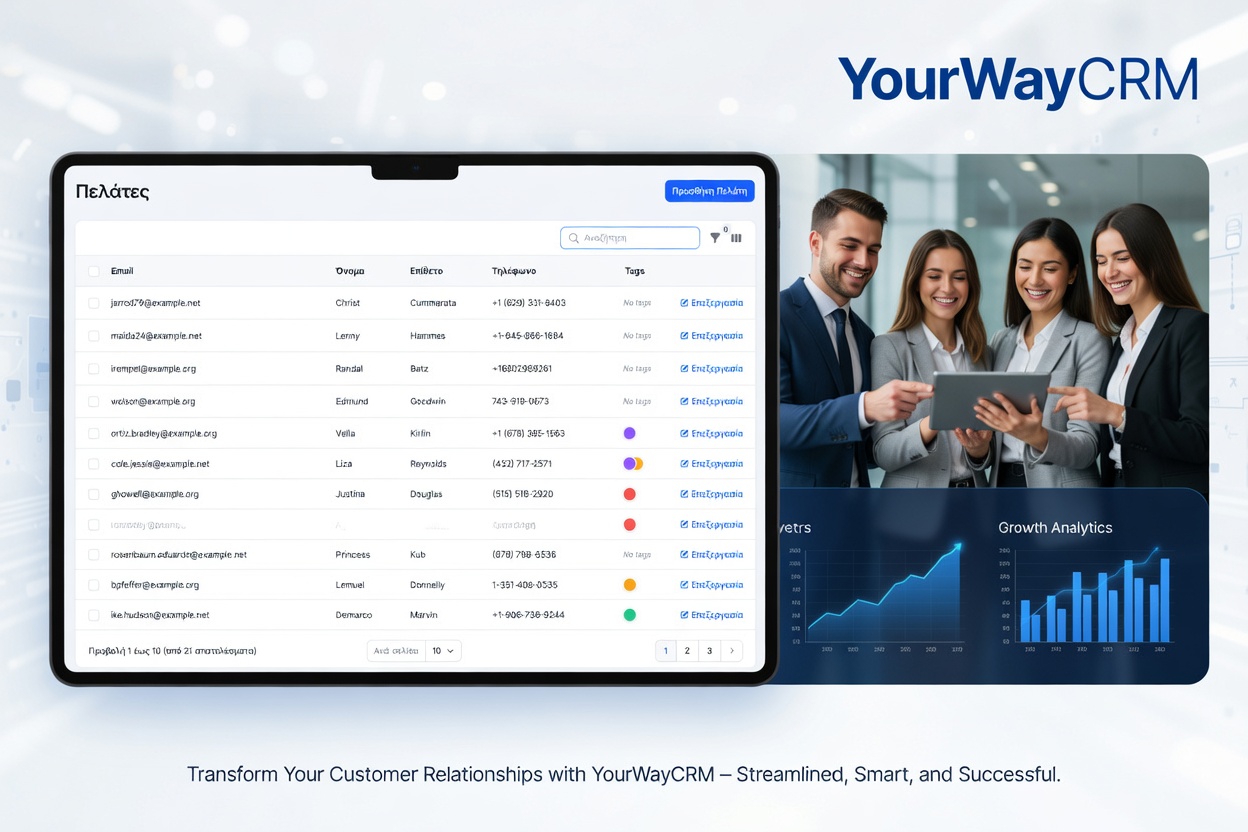
A solution like YourWayCrm is specifically built for legal practices. It combines appointment scheduling, client management, and deadline tracking in one intuitive platform, eliminating the need for separate tools and reducing the risk of missed deadlines or double-booked appointments.
Document Management and Storage
Law offices handle sensitive documents daily. A proper document management system protects confidentiality, ensures version control, and makes file retrieval fast and reliable.
Your document storage solution should support:
- Secure cloud storage with encryption
- Version history and audit trails for compliance
- Permission controls so only authorized staff access specific files
- Easy organization by client, matter, or document type
- Integration with your other office software
Many practices use solutions like Google Drive, Dropbox, or Microsoft OneDrive for basic needs. For more specialized legal requirements, dedicated document management platforms offer enhanced security and workflow capabilities.
Email and Communication
Professional email management is non-negotiable. You need a reliable, secure email service that integrates with your client management system to maintain complete communication records.
Essential features include:
- Professional email address with your firm domain
- Spam and security filters to protect against phishing and malware
- Integration with your CRM so emails are automatically logged to client files
- Mobile access for managing client communication on the go
- Compliance-ready features for record retention
Gmail for Business or Microsoft 365 provide solid foundations, but ensure your email integrates seamlessly with your appointment and client management tools.
Time Tracking and Billing
Accurate time tracking is critical for billing and understanding your profitability. Even if you don't bill hourly, tracking time helps you understand how long different tasks take and where your time actually goes.
Look for time tracking that allows you to:
- Log time directly against specific clients and matters
- Start and stop timers for quick logging
- Add notes about what work was performed
- Generate reports showing billable hours by client or matter
- Integrate with your invoicing system
Many integrated CRM solutions include time tracking built-in, which reduces tool-switching and keeps all client information centralized.
File Sharing and Collaboration
If you have staff or work with other practitioners, secure file sharing keeps everyone aligned without compromising client confidentiality.
Prioritize:
- Password-protected links for secure sharing
- Expiring access so files don't remain accessible indefinitely
- Activity logs showing who accessed what and when
- Integration with your document storage system
- Mobile-friendly access for remote work
Tools like ShareFile, Citrix, or integrated solutions within your CRM platform provide secure alternatives to generic file-sharing services.
Calendar and Deadline Management
Missing a deadline can have serious professional consequences. Dedicated calendar and deadline tracking software ensures nothing falls through the cracks.
Essential capabilities:
- Centralized calendar showing all appointments and deadlines
- Automated reminders before critical dates
- Integration with your CRM so deadlines are linked to specific matters
- Multi-user access so your team stays coordinated
- Color-coding and filtering for easy visual management
Many practices rely on Google Calendar or Outlook, but these work best when integrated with a legal-specific CRM that understands matter deadlines and client appointments.
What You Don't Need to Start
While the above tools are essential, many new practices overinvest in unnecessary software. You likely don't need:
- Expensive case management systems designed for large firms
- Separate tools for every single function
- Complex accounting software until your practice grows
- Redundant systems that duplicate capabilities
Start with integrated solutions that combine client management, scheduling, and deadline tracking. This approach reduces cost, minimizes training time, and ensures your data stays consistent across systems.
Building Your Tech Stack
The best software strategy focuses on integration and simplicity. Rather than adopting five different tools, choose one strong CRM platform that handles appointments, client management, and deadlines, then layer in specialized tools for document storage, communication, and time tracking as needed.
YourWayCrm brings together the core functions most law offices need: appointment scheduling, client records, deadline tracking, and time logging. This consolidated approach reduces the complexity of managing multiple systems and ensures your client information stays organized and accessible.
Start lean, choose tools that work together, and scale as your practice grows. The right software foundation saves time, reduces errors, and lets you focus on what matters most—serving your clients.