Managing Practice Admin While on Holiday
Taking time away from your practice is essential for your wellbeing and preventing burnout. However, the thought of administrative tasks piling up can make it difficult to truly disconnect. The good news? With proper planning and the right systems in place, you can take a proper holiday while keeping your practice running smoothly.
Whether you're taking a week off or a longer break, this guide will help you manage your practice administration before, during, and after your time away.
Plan Ahead: The Foundation of a Stress-Free Holiday
The key to managing practice admin while on holiday is preparation. Start planning at least four weeks before your break. This gives you time to implement systems, communicate with clients, and handle urgent matters without rushing.
Begin by reviewing your calendar and identifying which clients need to be rescheduled or notified. Make a checklist of all administrative tasks that typically require your attention: appointment confirmations, client inquiries, invoicing, and record updates. Knowing what needs handling will help you decide what can wait and what needs attention before you leave.
Communicate Early With Your Clients
Transparency is crucial. Inform your clients about your holiday at least three to four weeks in advance. This gives them time to plan and prevents last-minute cancellation requests or missed appointments.
Consider these communication strategies:
- Send a practice-wide email notification about your dates of absence
- Update your practice website or voicemail with your out-of-office message
- Include holiday information in appointment confirmation emails
- Discuss continuity of care with clients who may need support during your absence
A professional out-of-office message should include your return date and clear instructions for emergencies. For crisis situations, always provide contact details for alternative support services or an on-call colleague if appropriate.
Use Your Practice Management System Strategically
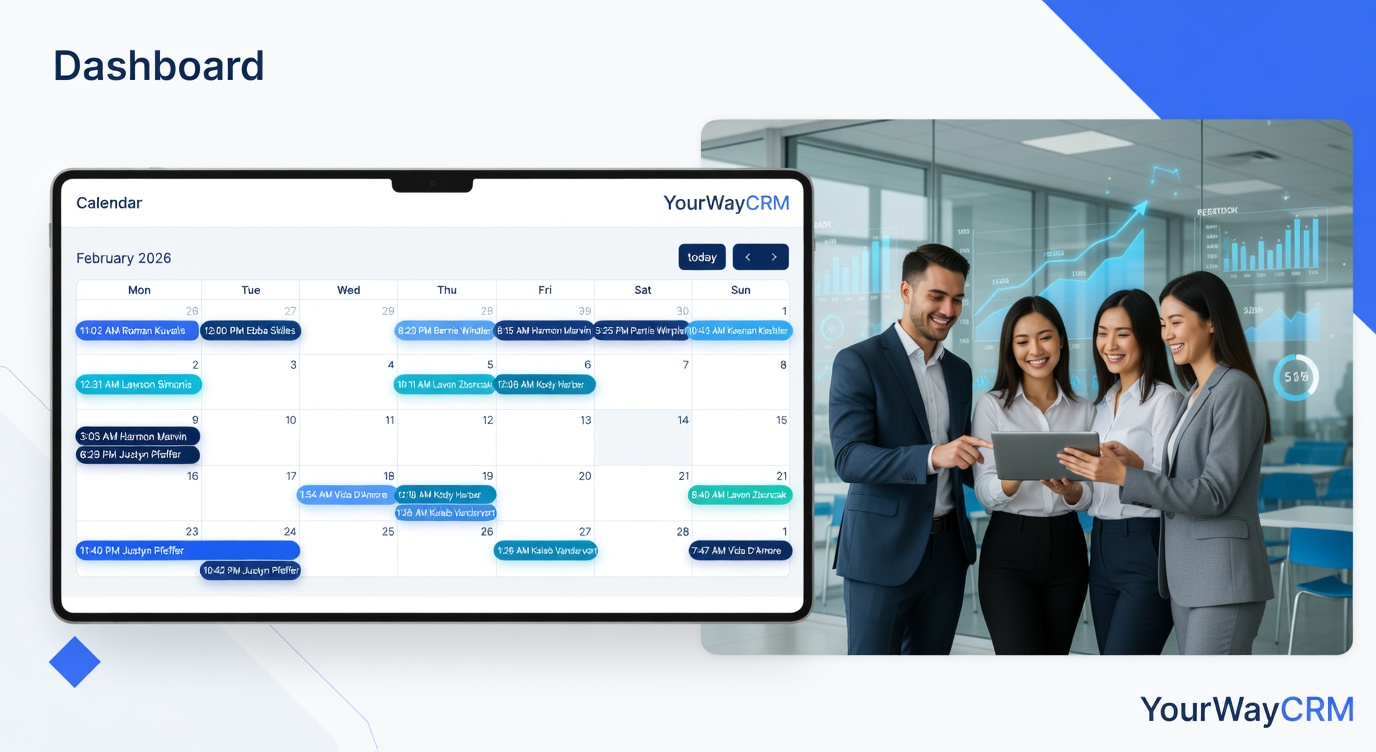
Your practice management software is your greatest ally during time off. Systems like YourWayCRM allow you to set up automated responses, block your calendar in advance, and manage client communications efficiently.
Before you leave, use your practice management system to:
- Block out your holiday dates so no new appointments can be scheduled
- Set up automated email responses for client inquiries
- Create templates for common responses (rescheduling requests, general inquiries)
- Generate reports on outstanding invoices or pending documentation
- Review client records to identify anyone requiring follow-up upon your return
Having these systems in place means clients receive immediate, professional responses even when you're away, reducing anxiety on both sides.
Delegate or Postpone Administrative Tasks
Not everything needs to be done before you leave. Categorise your tasks into three groups:
Urgent (must be done before leaving): Overdue invoicing, critical client communications, compliance deadlines, and client records that need updating.
Delegable (assign to a colleague or administrator): Appointment scheduling for after your return, routine administrative tasks, and general client inquiries that can be handled by a trusted team member.
Postponable (can wait until you return): Non-urgent correspondence, routine marketing activities, and administrative projects that aren't time-sensitive.
If you have a practice manager or administrator, provide them with clear written instructions and access to the systems they'll need. Document your processes so they can handle routine matters confidently.
Manage Your Inbox and Communications
Decide in advance how you'll handle emails and messages while away. You have options:
- Complete disconnect: Set an out-of-office auto-reply and don't check email at all. This is ideal for true rest.
- Scheduled check-ins: Set a specific time each day (perhaps early morning or evening) to check for genuine emergencies only.
- Delegated monitoring: Have a colleague or staff member monitor your inbox and alert you only to genuine emergencies.
Whatever approach you choose, communicate it clearly to your clients and team. This sets expectations and protects your time away.
Prepare for Your Return
Before you leave, set up systems to ease your re-entry. Create a "return checklist" that includes:
- Reviewing all client communications received during your absence
- Checking for any missed deadlines or urgent matters
- Confirming appointments scheduled during your absence
- Reviewing any invoices that need processing
- Following up with clients who may need support after your break
Schedule your first day back to be lighter than usual. This gives you time to catch up on administrative matters without feeling rushed or overwhelmed.
Set Boundaries to Protect Your Time
Remember: taking proper time away is not a luxury—it's essential for your professional effectiveness and personal wellbeing. Setting clear boundaries around your holiday demonstrates healthy practice management to your clients and team.
Resist the temptation to "just quickly check" your emails or take client calls during your time off. This undermines the restorative benefits of your break and sets a precedent that you're always available.
Final Thoughts
Managing practice admin while taking holiday is entirely achievable with advance planning and the right systems. By communicating clearly with clients, using your practice management tools effectively, delegating appropriately, and setting firm boundaries, you can truly disconnect and return to your practice refreshed and ready to support your clients.
Your wellbeing directly impacts the quality of care you provide. Taking proper holidays isn't selfish—it's professional self-care that benefits everyone.