Preparing Clients for Online Sessions
Online therapy has become a standard offering for many mental health practices. Whether you're transitioning to hybrid care or offering remote sessions exclusively, helping clients prepare properly ensures better session quality and reduces technical frustrations. A well-prepared client is more engaged, more comfortable, and less likely to experience disruptions that interfere with therapeutic work.
The responsibility for session success is shared. While you control your end of the technology, clients need clear guidance on their responsibilities. This article covers practical steps to help your clients prepare for online sessions—from technical setup to environmental considerations.
Send Clear Pre-Session Instructions
Begin preparation well before the first online appointment. Send detailed written instructions at least 48 hours in advance. Include:
- The video platform you're using (Zoom, Google Meet, Skype, etc.)
- A direct link to join the session
- Instructions for downloading the app or accessing the browser version
- Recommended browser and system requirements
- Your contact details if they experience technical issues
- What to do if they lose connection mid-session
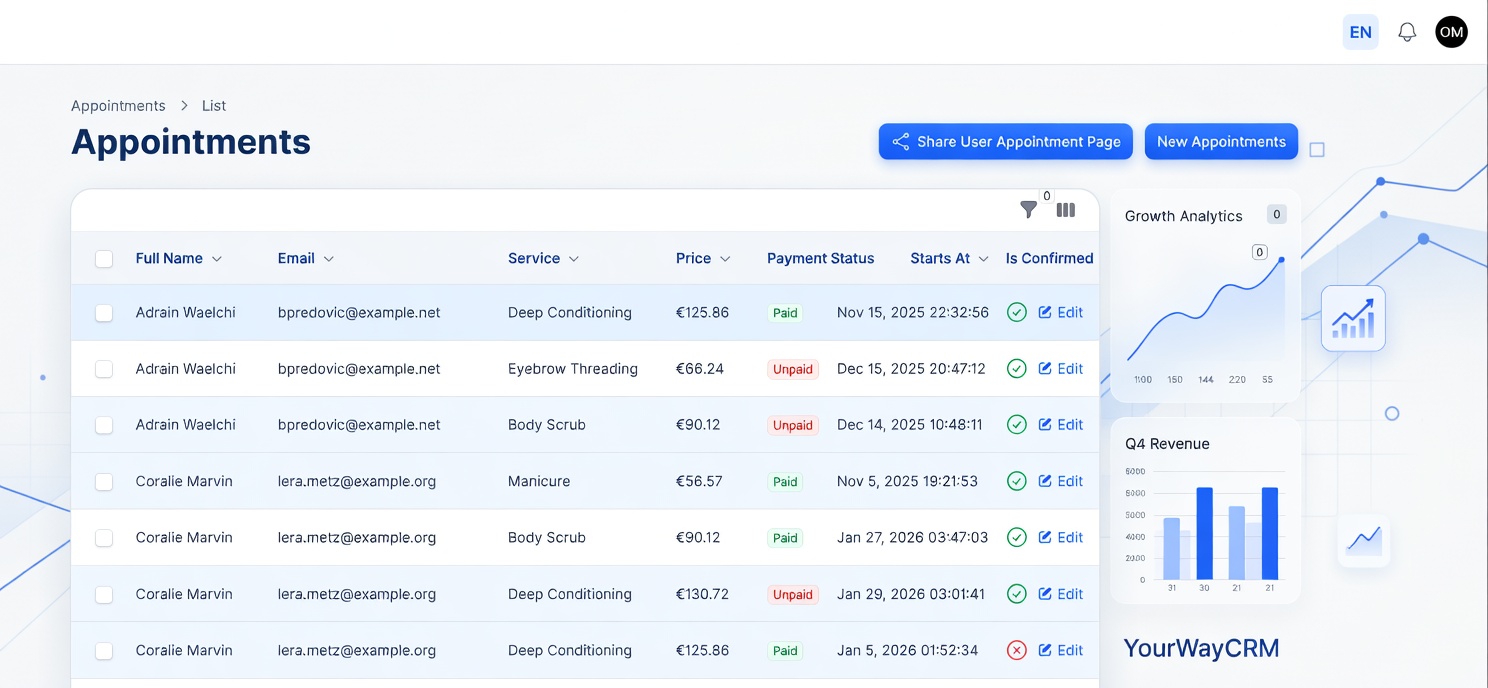
Written instructions reduce confusion and create a reference document clients can return to. Tools like YourWayCRM allow you to send automated appointment reminders with embedded session links, ensuring clients have all necessary information without manual effort.
Test Technology in Advance
Encourage clients to test their setup before the actual session. Suggest they:
- Log in 10-15 minutes early to check camera and microphone function
- Verify internet connection speed (recommend at least 5 Mbps for stable video)
- Test audio levels and ensure their microphone isn't muted
- Close unnecessary browser tabs and applications to reduce bandwidth load
- Disable notifications from other apps during the session
Frame this as a professional courtesy, not a burden. Clients who understand the "why" behind these steps are more likely to comply. You might say: "Testing your setup in advance helps us make the most of our time together and prevents frustrating technical delays."
Establish Environmental Expectations
The physical space where clients join sessions matters significantly. Provide guidance on creating an appropriate environment:
- Privacy: Ensure they can speak confidentially without being overheard. If they live with others, establish a signal (closed door, headphones) that indicates they shouldn't be interrupted.
- Lighting: Position themselves facing a light source so you can see their face clearly. Backlighting creates shadows and reduces non-verbal communication.
- Background: A neutral, professional background is preferable. If they're concerned about privacy, suggest using a virtual background or positioning themselves so personal items aren't visible.
- Seating: Encourage comfortable seating in a stable chair. Lying down or sitting on a bed can feel too casual and may affect posture and engagement.
- Distractions: Request they silence phones, close unrelated browser tabs, and minimize household interruptions.
These aren't rigid rules—they're professional standards that support therapeutic work. Clients appreciate clarity about expectations.
Address Common Concerns
Some clients feel anxious about online therapy. Proactively address common worries:
- Privacy concerns: Reassure them about your confidentiality practices and data security measures. Explain how you protect their information during video sessions.
- Technology anxiety: Normalize technical hiccups. Let them know it's okay if something goes wrong and you'll troubleshoot together.
- Feeling "less connected": Acknowledge that online sessions feel different from in-person work. Some clients adapt quickly; others need time. Both responses are normal.
- Fatigue from screens: Explain that video fatigue is real. Suggest they position the camera at eye level to reduce neck strain and take brief breaks if needed.
Addressing these concerns upfront reduces anxiety and increases client confidence in the process.
Create a Preparation Checklist
Consider sending clients a simple checklist to review before each session:
- ☐ Device is fully charged (or plugged in)
- ☐ Internet connection is working and stable
- ☐ Camera and microphone are functioning
- ☐ I'm in a private, quiet space
- ☐ Phone is silenced or in another room
- ☐ I've closed unnecessary browser tabs
- ☐ I'm seated comfortably
- ☐ I've logged in 5 minutes early
A checklist is concrete, actionable, and reduces decision fatigue. It also signals that you take preparation seriously, which encourages clients to do the same.
Use Your Scheduling System Effectively
Your practice management software plays a key role in client preparation. When you use a system like YourWayCRM, you can:
- Include session links directly in appointment confirmations
- Send automated reminders with preparation instructions
- Store client preferences (e.g., "prefers joining 15 minutes early")
- Track which clients consistently have technical issues and follow up proactively
Automation reduces your administrative burden while ensuring consistent, professional communication with clients.
Have a Backup Plan
Despite best preparation, technical failures happen. Establish a backup protocol:
- If the video connection drops, switch to phone call
- Have a backup video platform available
- Establish a process for rescheduling if neither option is viable
- Document what happened so you can prevent it next time
Clients feel reassured when they know you have contingencies in place. This reduces anxiety about "what if something goes wrong?"
Follow Up After Sessions
After the first few online sessions, check in briefly about their experience. Simple questions like "How did the video setup feel?" or "Any technical issues I should know about?" show you care about their comfort and gather valuable feedback for improving your process.
Conclusion
Preparing clients for online sessions is an investment in therapeutic quality. Clear instructions, environmental guidance, and proactive troubleshooting create the conditions for meaningful, uninterrupted work. When clients feel prepared and confident, they can focus on the therapeutic process rather than worrying about technology. This preparation also protects your practice by reducing scheduling disruptions and no-shows caused by technical confusion.
By implementing these strategies—and leveraging tools that automate communication—you create a professional, client-centered approach to online therapy that benefits everyone involved.