Setting Up Your Practice Systems From Day One
Launching a law practice is exciting, but the administrative groundwork you lay in those first weeks will determine how smoothly your office runs for years to come. Many solo practitioners and small law firm owners focus entirely on client work and neglect the systems that keep everything organized. This mistake catches up quickly—missed deadlines, lost files, scheduling conflicts, and frustrated clients follow. The good news? Establishing solid practice systems from day one doesn't require expensive consultants or complex processes. It requires intentionality and the right tools.
Why Systems Matter Before You Take Your First Client
Think of practice systems as the skeleton of your business. Without them, everything else collapses under its own weight. When you're solo or running a small team, you're wearing multiple hats: lawyer, business manager, scheduler, and bookkeeper. Systems let you automate and streamline these roles so you can focus on what you do best—practicing law.
The earlier you implement systems, the easier they are to maintain. Starting with chaos and trying to organize later is infinitely harder than building organization into your workflow from the beginning. Plus, clients notice. They see whether you're responsive, organized, and professional. Your systems directly impact client satisfaction and retention.
Client Scheduling and Appointment Management
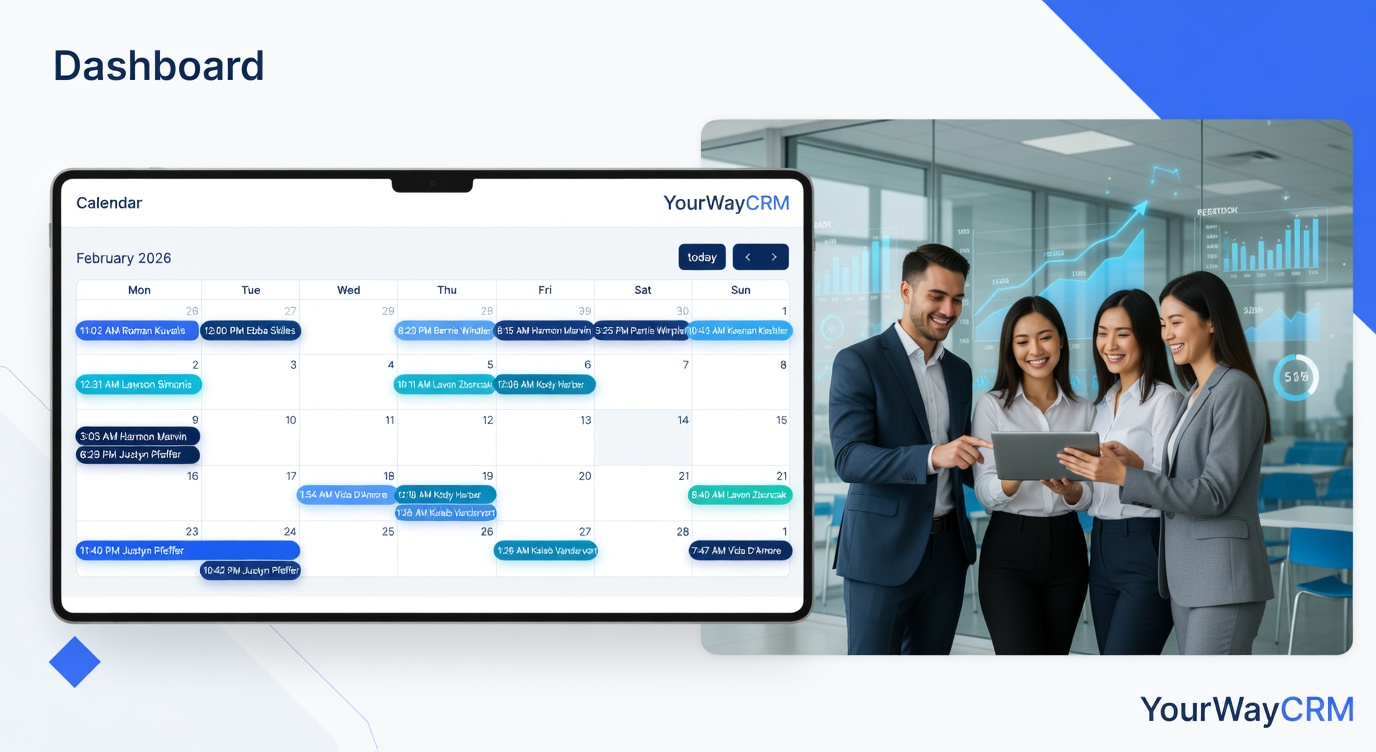
Your first system should be a reliable appointment management solution. Whether you're meeting clients for initial consultations, follow-ups, or court prep sessions, you need a centralized place to manage all appointments.
- Choose a dedicated tool: Don't rely on your personal calendar or scattered emails. Use a practice management platform like YourWayCrm that's designed for legal practices. It handles appointment booking, reminders, and prevents double-bookings.
- Set clear scheduling policies: Decide your availability, cancellation windows, and rescheduling rules before your first client calls. This prevents confusion and protects your time.
- Automate reminders: Automatic email or SMS reminders reduce no-shows significantly. Most clients appreciate the reminder and show up prepared.
- Build in buffer time: Don't schedule appointments back-to-back. Leave time for notes, follow-ups, and the inevitable delays.
Document and File Management
Legal work generates documents—lots of them. From client intake forms to case files to correspondence, you need a system that keeps everything organized, searchable, and secure from day one.
Establish a consistent naming convention for files and folders. Decide whether you'll organize by client name, matter type, or date. Whatever you choose, be consistent. Set up your folder structure before you open your first file. Moving thousands of documents later is a nightmare.
Store everything digitally. Paper files take up space, get lost, and are harder to search. Scan documents immediately and store them securely. Many practice management platforms include document storage and version control, which is invaluable when multiple versions of contracts or agreements exist.
Client Communication Protocols
Establish how clients will reach you and how quickly they can expect a response. This protects both you and your clients.
- Set communication channels: Will clients email, call, or use a client portal? Using a practice management platform like YourWayCrm gives clients a secure way to communicate and keeps all correspondence in one place.
- Define response times: Communicate your expected turnaround time for emails, calls, and messages. Be realistic—if you can't respond within 24 hours, say so upfront.
- Create templates: Draft standard responses for common questions (intake information requests, fee discussions, status updates). Templates save time and ensure consistency.
- Track all communication: Every client interaction should be logged. This protects you professionally and helps you stay on top of matters.
Deadline and Task Management
Missing a deadline in legal practice isn't just unprofessional—it can be malpractice. Your system must flag deadlines automatically and keep them front and center.
Use a tool that sends alerts well before important dates. Court deadlines, filing deadlines, statute of limitations dates—all of these need to be entered into a system that won't let you forget. Many practice management platforms include deadline tracking that syncs with your calendar.
Beyond client matters, track internal deadlines: invoice payment dates, license renewal dates, and continuing education requirements. A comprehensive task management system keeps everything visible.
Record Keeping and Compliance
From day one, maintain detailed records of client interactions, time spent on matters, and all correspondence. This isn't just good practice—it's essential for professional standards and client protection.
Decide how you'll track time. Will you use billable hours, flat fees, or a combination? Whatever you choose, record it consistently. Most practice management systems include time tracking that integrates with your calendar and appointments.
Keep client information secure and up-to-date. Maintain accurate contact details, matter summaries, and fee agreements. This information becomes invaluable as your practice grows.
Financial Organization
Separate your personal and business finances from day one. Open a dedicated business bank account and use accounting software to track expenses and income. This makes tax time simpler and gives you clear visibility into your practice's financial health.
Create templates for your common financial documents: engagement letters, fee agreements, and invoices. Consistency in your financial processes prevents confusion and looks professional to clients.
Building a System That Scales
The systems you establish now should be flexible enough to grow with your practice. If you eventually hire staff or bring on partners, will your systems accommodate them? Can your appointment management tool handle multiple calendars? Does your document storage have enough capacity and permissions controls?
Choosing tools designed for law practices—like YourWayCrm—means your systems are built to scale. You won't outgrow them in a year or two. They're designed specifically for the workflows and requirements of legal practices.
Start Now, Thank Yourself Later
The time you invest in setting up systems now pays dividends immediately and compounds over time. You'll spend less time searching for files, fewer clients will slip through the cracks, and you'll actually know whether your practice is profitable. More importantly, you'll have the peace of mind that comes with knowing your practice is organized, compliant, and professional.
Don't wait until you're drowning in chaos to implement systems. Build them in from day one, and you'll build a practice you can actually enjoy running.